IP Address for IPTV: What Actually Matters at Home
A static IP is not required for IPTV. See how dynamic addresses, connection limits and simple router checks affect a login.
A static IP is not required for IPTV. See how dynamic addresses, connection limits and simple router checks affect a login.

A plain-English definition of IPTV services, how they differ from cable and streaming apps, and what live, catch-up and the guide mean.

A calm buyer process for US homes: needs, provider types, a prime-time trial, the refund rule, a support test and a short…

Free ad-supported apps are real, public playlists are a poor bet, and a paid plan adds a login plus support. A trial…

A prime-time routine for speed, zapping, buffering, resolution, the guide, catch-up, movies and support, with a no-score sheet.

Side-by-side look at player app types: M3U versus Xtream, the guide, catch-up, recording and the free 8K Player app.
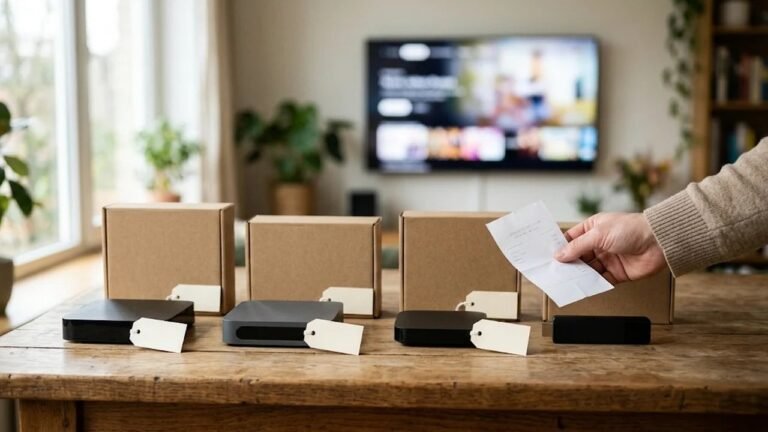
Typical prices for IPTV sticks and boxes, when a TV you own is enough, and how one-time hardware differs from the plan.
Why the IPTV bill can undercut cable, which fees disappear, and where the savings disappear if you stack other costs.
Device, payment and privacy habits that keep an IPTV setup safer: app sources, sideloading, shared logins and a simple checklist.

What US homes gain with IPTV, which trade-offs matter, and a short self-test if you are still on cable or licensed apps.
These IPTV buyer guides collect the questions shoppers ask before they pay for a plan. In addition, each article stays short and practical for a US living room. Most link to a related page, so you can move from a definition to a device check without hunting. Then start with the subject closest to your situation, and follow it on your own screen.

The posts appear under this intro on their own. We add them as new questions come up in support. So the library grows, and the older pieces stay in place.
The IPTV buyer guides on this page are the long articles. New ones show up under this intro on their own. Most shoppers start with what the login actually is. Read what the service means, then the setup page for the taps on your device.
Next, decide whether a paid line is the right move at all. A look at free playlists covers the risks of random links. Choosing a provider turns that into a short list of questions. Ask those questions of us too.
Most viewers watch on a stick or a Smart TV. For that reason, we wrote a Fire TV Stick walkthrough and a player comparison. The player only needs to accept an M3U link or Xtream codes. On Android and Fire TV, our 8K Player app is free.
Picture trouble is easier to judge with a plan. Read how to test the picture before you blame the login. Thinking about a separate box? The box price article explains what the hardware adds, and what it does not.
A trial is the cleanest way to see your own internet at the hour you watch. Trials before you pay explains what to request on WhatsApp. Check a news channel, a sports package and the program guide. Then decide.
Comparing provider types only helps when you know what you are comparing. Our comparison hub uses one checklist for a budget reseller, a free playlist site, a licensed live TV app, and a cable or satellite package. We sell our own plans, so read that hub with that in mind. The checklist works for any provider, including us.
Three articles sit beside that hub. Whether a paid line is worth it looks at the tradeoffs. Safety habits cover random apps and shared logins. Why the monthly cost can be lower than cable stays with price, not with hype. For a plain definition, see this overview of IPTV.
If you are new, use this order. First, read what the service means. Then run a trial on your own TV. After that, compare provider types with the checklist, and only then open the pricing page. That sequence keeps the decision concrete.
If a topic is missing from these IPTV buyer guides, send the idea on WhatsApp. It may become the next article. When you are ready to talk to a person, the contact page opens the same chat.