IPTV Player Comparison: App Types, Features and Devices
An IPTV player comparison is about the app, not the channel list. Your subscription sends the streams. Meanwhile, the player turns a login into menus, a program guide and video. This guide compares app types and features. It does not rank brands. We sell our own plans at CompareIPTV, so read the notes with that in mind. The same checks work for any player, including the free 8K Player app we provide.
Before you install anything, decide how you want to sign in. Also, decide which screen you will use most nights. A phone player and a living-room player solve different jobs. Because of that, a feature list copied from an app store page is not enough.
IPTV player comparison by login type
Most apps accept one or both of two logins. First, an M3U link is a playlist address. Next, Xtream codes are a server URL, a username and a password. CompareIPTV sends both after payment. Activation usually takes only a few minutes. So you can try both logins in one sitting.
M3U links versus Xtream codes
An M3U link drops the live list into the player. However, movies and series may sit in that same long list, or they may not appear at all. Plain playlists often omit catch-up. On the other hand, Xtream codes usually split live TV, movies and series into sections. The 7-day program guide often loads with that login. For this reason, many living-room viewers start with Xtream codes.
Typing a long M3U address with a remote is slow. Instead, paste it from your phone when the app allows that. If the login fails, check for a space at the end of the password. That single character causes a lot of failed sign-ins. Also confirm that the server URL still starts with http://. Our setup guide shows where each field sits on common screens.
A list of 57,000+ live channels is hard to browse in one pile. Therefore, Xtream codes keep movies and series in their own sections.
Program guide, catch-up and recording
A guide is only useful when the titles match what is playing. Also, the times must match your time zone. A guide that runs three hours early usually means the app is on the wrong zone. Then you change the EPG offset and check again. For a plain definition of the guide format, see the electronic program guide article on Wikipedia.
Catch-up lets you open a show that already aired. Although support varies by app, Xtream-based players are more likely to show it. A plain M3U player may hide catch-up even when your plan includes it. Recording is a separate question. Some paid Android TV players can save a show to a hard drive. Many free players cannot. CompareIPTV does not include a cloud recorder, so treat recording as a player feature, not a plan feature.
Player features worth a side-by-side IPTV comparison
Favorites matter more than a huge grid. Otherwise you scroll past channels you will never open. Hide groups you do not watch. As a result, the app opens faster and the remote feels lighter. Search inside the player, since the TV home search does not see the playlist.
Parental controls and multi-screen viewing
When an app includes parental controls, you usually set a PIN on adult groups. Besides that, you can hide those groups entirely. Multi-screen can mean two different things. Several devices at once depend on your plan, not on the app. You choose 2 or 3 devices at checkout. On the 12-month plan, the second device is 25% off and the third is 50% off those extra connections.
Multi-view puts several channels on one screen. Only some paid players offer it. In fact, most households never need that grid. A clear favorites list does more for a normal night.
Free apps versus a paid Android TV player
Free players are enough for a lot of households. You pair the free 8K Player app with a subscription login, not with a random file from the web. It is free for Android and Fire TV, and support sends the download with your login. A paid Android TV player may add recording, multi-view or a more polished guide. Built-in Smart TV IPTV apps on Samsung and LG sets can also accept a login. However, those built-in apps are often weaker with large lists. Therefore, test the picture before you pay for an upgrade you may not need.
How the free 8K Player app fits an IPTV comparison
Use the free 8K Player app on Fire TV. You allow the install, enter Xtream codes and load the guide. The Fire TV page covers that install in plain steps. On a phone or tablet, a free player from the official store is often enough. Apple TV needs an App Store player, since tvOS has no built-in IPTV app. Windows and Mac players follow the same login idea.
You can use a MAG box as well. Meanwhile, support can point you to the right screen if the menu looks unfamiliar. The plan also works on Samsung and LG Smart TVs, Fire TV Stick and Android TV boxes. It also works on iPhone, iPad, Apple TV, PC and Mac. Use the HDMI extender on a Fire TV Stick, because the stick sits behind the set where Wi-Fi is weaker.
A practical IPTV player comparison across devices
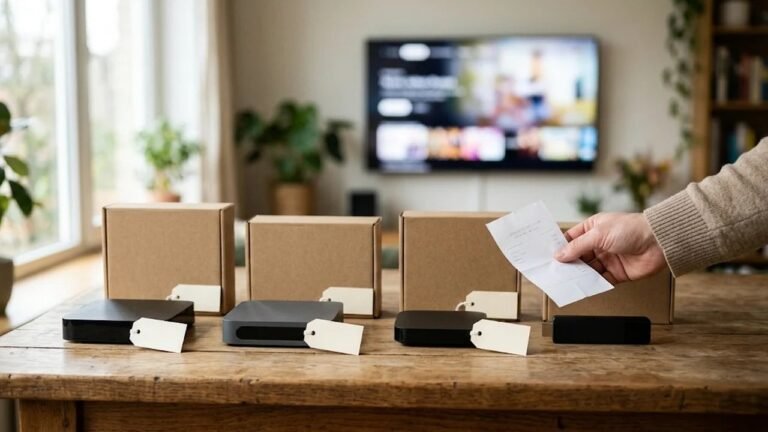
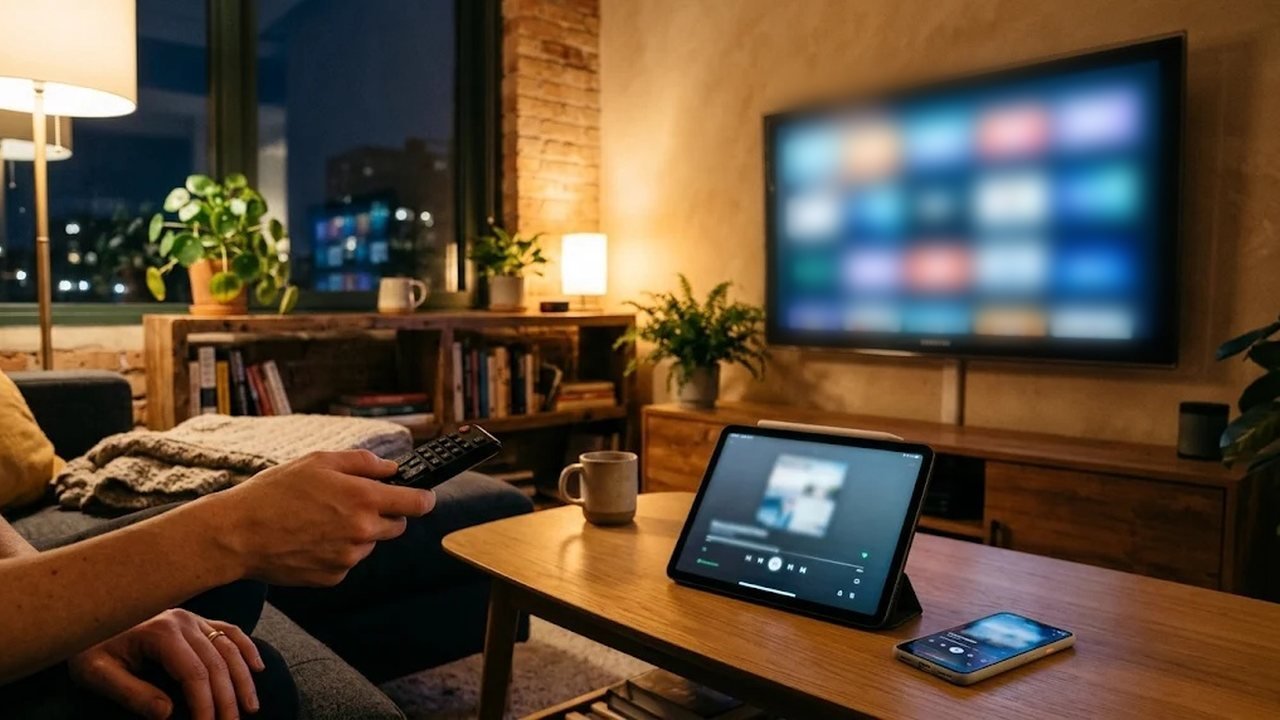
Run this IPTV player comparison on the screen you will really use. A player that feels fine on a phone can feel clumsy on a TV remote. Likewise, a living-room app may be a poor fit on a small phone. After you pick an app, judge the stream itself. Our prime-time quality test gives you a scorecard for that.
Sample more than one kind of channel while you compare. Open a news channel, a live sports channel and a movie. Then note which app reaches the picture with fewer steps. In addition, check the kids group if you need a PIN. A player that buries those groups will annoy you every night. Finally, write down the app name and the login type you preferred. That note saves time if you reinstall later.
Players and providers are different choices. A smooth app cannot fix a weak login, and a strong login still needs a clear menu. The provider comparison uses a separate checklist for the service itself. Reader reviews sit on that page after a person approves them. We sell plans, and we say so there too.
When you are ready for a login, look at the IPTV plans. Prices are one-time payments with no auto-renewal. One month is $12.99. You can also ask for a free trial and test the player before you pay. Questions about an install can go through the contact page. Use this IPTV player comparison as a checklist, then watch a real channel on your own TV.
Frequently asked questions
Do I need a different player for each TV?
No. Many homes use one player on the main TV and a simpler app on a phone. The login stays the same. Each screen that plays at the same time counts as one device.
Is the free 8K Player app enough?
It is for Android and Fire TV. Support sends the download with your login. On Apple TV or a Samsung set you may use a different app.
Why does the guide show the wrong time?
The player is usually set to the wrong time zone. Change the EPG offset until the titles match your local clock.
Can I switch players without buying again?
Yes. Your M3U link and Xtream codes work in any compatible app. Removing a player does not cancel the plan.