How to Test IPTV Quality During a Prime-Time Trial
A clear plan for how to test IPTV quality beats a quick glance at one channel. Run it in the evening, on the TV you will actually use, during a trial. We sell our own plans, so read the steps with that in mind. The same scorecard works for any provider, including us. It records what you saw. It does not hand out scores.
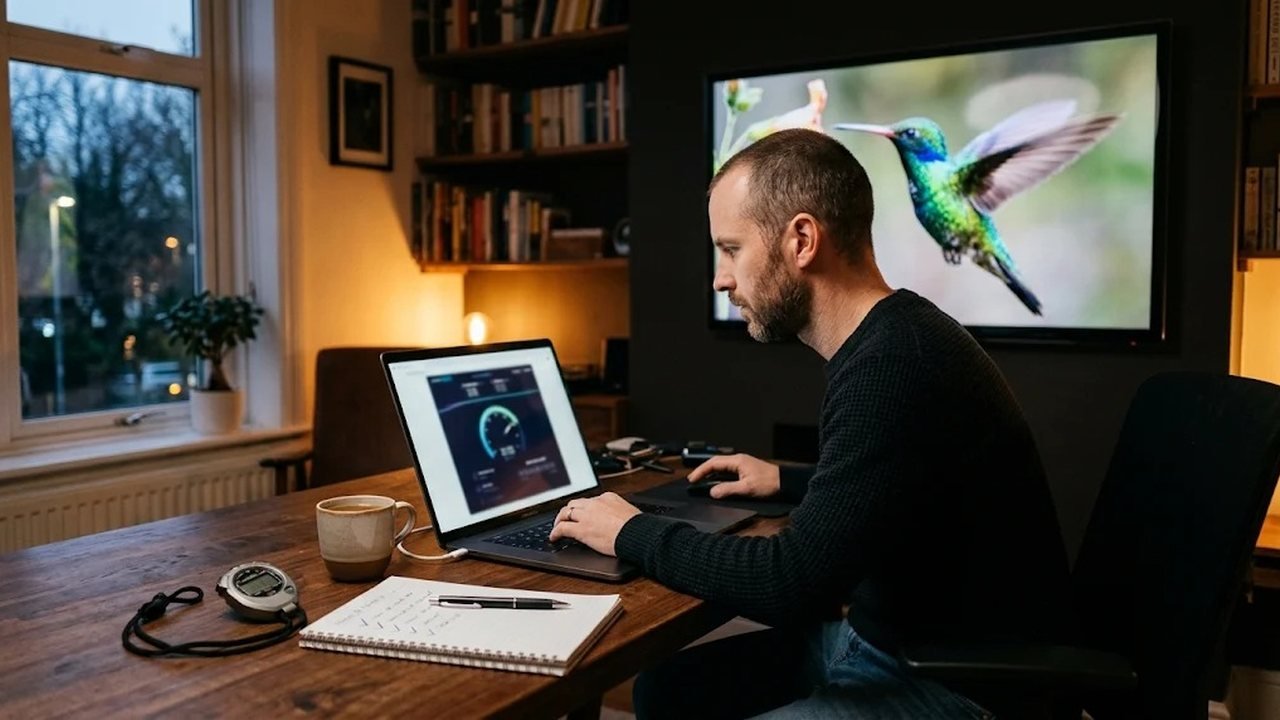
IPTV sends video over your home internet connection. For a short technical definition, see the Internet Protocol television article on Wikipedia. The test below stays practical. You do not need special equipment.
How to test IPTV quality on a trial night
Pick a busy hour between 7 and 10 pm. First, use the TV you actually watch, not a laptop beside the router. Next, stay with the test for twenty to thirty minutes. A two-minute look misses stalls that show up later. Also, request a trial before you pay. The free-trial page explains how to ask us for one.
That routine is how to test IPTV quality on a normal weeknight. Before you start, restart the streaming device once. Then pause large downloads on other phones and computers. Otherwise a backup or a game update will look like a stream problem. Write the player name at the top of your note.
Speed, a wired link and Wi-Fi
Start with a speed test on the streaming device itself. Then compare that number with your internet plan. A large gap means the line or the home network is the limit. After that, play the same channel on a cable and on Wi-Fi. A cable or a small adapter removes a weak wireless path. While you watch, the picture should stay steady on the wired run. If Wi-Fi stutters and the cable does not, fix the Wi-Fi before you blame the service.
Fire TV Sticks sit behind the panel, where the signal is weaker. For this reason, the HDMI extender is worth using during the test. In addition, try the 5 GHz network if your router offers both bands. Since walls and metal change the result, test in the real spot, not on the kitchen counter.
Zapping time and a buffering log
Channel zapping time is how long the next channel takes to appear. Change through about ten channels you care about. For example, mix news, a live sports channel and entertainment. Write the wait in plain words, such as quick or a long spinner. In addition, keep a buffering log. Note the time, the channel type and whether you were on Wi-Fi.
One stalled channel among many is a single bad stream. Stalls on every channel point at the network or the login. Because the pattern matters, do not judge the service from one freeze. Also, do not change the player in the middle of the log. Otherwise you will not know which change helped.
How to use the guide in a test of IPTV quality
Open the guide and read the title. Then look at what is actually playing. The names should match, and the clock should match your time zone. Since US homes span several zones, a three-hour gap usually means the offset is wrong. Catch-up is the next check. Open a show that aired earlier the same day. It should start without a hunt through random files.
If catch-up is missing, confirm you used Xtream codes. A plain M3U link sometimes hides it. Our player comparison explains that difference. Once catch-up opens, let it play for a minute. Then note whether the picture holds. A guide that is pretty but wrong still fails this test.
VOD start time and support replies
Start two movies or series episodes. Note how long the picture and sound take. A short wait is a good sign. A long spinner on every title is not. Meanwhile, send support one clear question. Include your device, the app and the time of a stall. Then record how long a useful reply takes. A reply the same evening, with a real next step, is what good support looks like. You can reach us through the contact page.
How to judge the picture in an IPTV quality test
Look at the resolution the player reports. Also, look at the picture itself. HD should look sharp on a large TV, not soft or blocky. Live sports channels show stutter more clearly than a still news shot. For this reason, include one busy sports channel in the test. Color should stay stable when you change channels. If the image goes dull on every channel, check the TV picture mode before you blame the stream.
Pick one channel you already know well. Then you can tell a poor encode from a poor connection. Besides, check a second device if your trial allows it. The phone beside the router may play cleanly while the far TV does not. In that case, the home network is the weak piece. As a result, you fix Wi-Fi instead of switching providers on a hunch.
A scorecard you can reuse on any service
Use the table as a notebook, not a ranking. However, do not write a number score for any provider. Mark what you observed. Each row is one criterion, and the second column says what good looks like. The provider comparison page is where that kind of checklist lives, along with moderated reader reviews. We publish positive and negative reviews after a person checks them. Spam, abuse and personal details stay off that page.
| Criterion | What good looks like |
|---|---|
| Speed test | Meanwhile, the TV holds a steady HD picture at that hour. |
| Wired versus Wi-Fi | The cable path stays smoother than the wireless path. |
| Zapping | The next channel appears after a short wait. |
| Buffer log | Stalls are rare, and they do not hit every channel. |
| Resolution | The picture matches the quality the player reports. |
| Guide times | Show titles and the clock match what is playing. |
| Catch-up | A show from earlier the same day starts cleanly. |
| Movie start | Movies begin without a long spinner. |
| Support reply | You get a useful answer during the same evening. |
Fill the sheet on one evening. After that, repeat it if you change the player or the Wi-Fi. Otherwise you will mix two problems into one note. In fact, a second pass the next night tells you whether a stall was a one-off.
How to test IPTV quality before you pick a plan
Once the sheet looks steady, you know enough. If it does not, send the log to support before you pay for a long plan. In fact, a trial exists so you can do this without guessing. Plans are one-time payments with no auto-renewal, and the choices sit on the IPTV plans page. Setup steps for each screen are in the setup guide.
When the picture holds up at prime time, you can decide from your own notes. That is how to test IPTV quality without relying on a slogan. If you are still weighing the cost, the worth-it guide asks a different question. The test on this page only answers whether the picture holds on your TV.
Frequently asked questions
What time of day should I test?
Test during the hours you normally watch, often early evening. A quiet morning can hide the congestion you will meet later.
Does one frozen channel mean the service is poor?
Not by itself. Note whether other channels played at that moment. One bad stream is different from stalls on every channel.
Should I test on Wi-Fi or a cable?
Test both when you can. The wired result is a cleaner look at the service. The Wi-Fi result shows your home network.
How long should the trial test take?
Plan on twenty to thirty minutes in one evening. That covers zapping, a buffering log, catch-up and one movie start.