Fire TV Stick Setup: Models, the Free App and Login
IPTV for Firestick puts live TV on the stick already in your HDMI port. CompareIPTV sends the login on WhatsApp. Our free 8K Player runs on Fire TV. This guide covers models, the Downloader path, both login types, speed and the remote. Other screens sit on the setup guide.
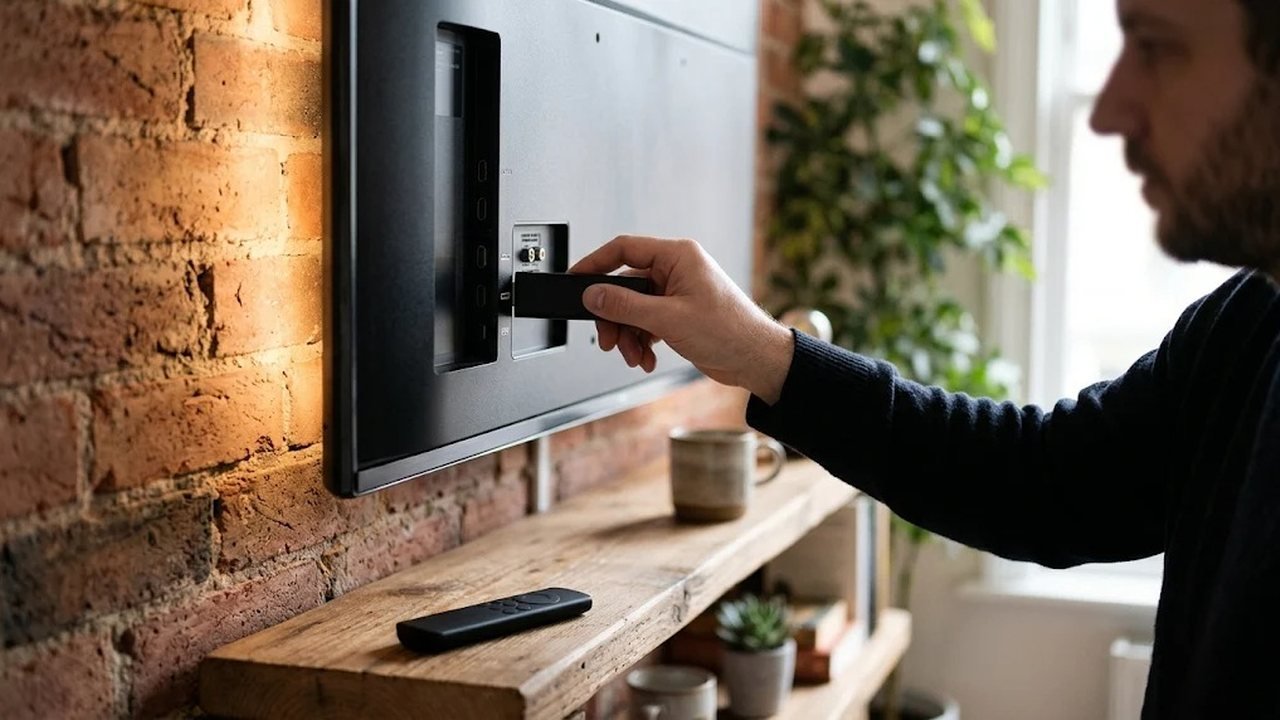
A stick is a small player for Fire TV hardware. It uses home internet, so you skip an extra cable box. A bedroom in Seattle and a living room in Atlanta can share a plan. Sharing works only if checkout includes enough connections. Otherwise one screen plays at a time.
IPTV for Firestick on Lite, 4K and 4K Max
First, match the stick to the room. The Lite model suits a bedroom set that mostly plays HD. The standard stick suits a living room at HD or Full HD. A 4K stick suits a sharper TV. The 4K Max suits a busier home, because its Wi-Fi is stronger. Older sticks still work when they can install apps.
You do not need the newest stick to start. A very old stick, however, can feel slow with a large list. That spread is why IPTV for Firestick still fits a modest bedroom stick. Scrolling 57,000+ live channels is easier with favorites than with a weak remote. Also leave space around the stick so it does not overheat behind the TV.
Install the free player with a downloader app
However, the app store may not list it. Our free 8K Player runs on Android and Fire TV with every feature open. Instead, install Downloader and type the address we send. We do not paste that address here, because support sends the current one on WhatsApp.
- First, open Search on the home screen and install Downloader from the app store.
- Then allow installs from unknown sources in the device settings.
- Next, open Downloader and type the address from our WhatsApp message.
- After that, install the 8K Player and wait for its home screen.
If a permission screen looks confusing, message us before you change more settings. In addition, avoid random player files from public pages. Those files can carry malware. Our safety guide explains that risk in plain language. Once the app is open, you only need the login.
Playlist link or server login
Two login types are enough, however. Xtream codes use a username, a password and a server address. An M3U link is a single playlist address. Most people use Xtream codes in 8K Player, because the 7-day guide loads with them. An M3U link, instead, suits a player that only accepts a playlist.
Keep the WhatsApp message, since a new stick will ask for the same details. Also do not post the login in public. If too many screens share one connection, the picture can drop. Choose two or three devices at checkout when the house watches together. Prices for those choices are on the plans page.
What the catalog looks like in the app
First, open the folders you will use. US local news and network affiliates sit by region. Entertainment holds dramas, sitcoms and talk shows. Live sports channels, premium sports packages and PPV events have their own groups. Kids, Spanish-language and international folders sit nearby. Indian, Arabic, Filipino, Caribbean and European groups are in that set. The on-demand area holds 235,000+ movies and series.
Line-ups shift over time, so the preview is the honest look. Therefore, do not treat a printed station list as a promise. Ask for the preview and check your own folders before you pay.
Firestick settings that keep IPTV steady
Speed, however, matters more than the logo. Allow about 5 Mbps for HD and about 10 Mbps for Full HD. 4K wants about 25 Mbps. Then test at night, because daytime speed can look better than prime time. A 5 GHz band usually beats a crowded 2.4 GHz band. Where the stick supports it, a wired adapter is calmer.
Place the stick where the router can see it. A metal TV back, therefore, is a poor spot. A closed cabinet is a poor spot too. If the picture stutters, drop one quality level first. After that, pause other downloads in the house. These habits matter for anyone using IPTV for Firestick on a busy night. Our quality test gives a simple evening routine.
A Firestick remote routine for the IPTV guide
First, wait until the list finishes. Let it load before you mash the remote. Then mark favorites for news, kids and sports, so nightly hopping stays short. The guide covers seven days. Catch-up works on supported channels. If the times look wrong, check the time zone in the app. Meanwhile, a favorite row saves scrolling on a small remote.
When IPTV on a Firestick needs a wired link
Thick walls, however, can starve Wi-Fi. A router in a far room can do the same during a game. A short HDMI extender can move the stick out of a tight mount. Besides, a wired adapter can skip Wi-Fi entirely. Try that before you blame the service. Test one live sports channel and one movie at the hour you care about.
Where the rest of the setup lives
Stick steps, however, are only part of the house. Samsung, LG, phones, Apple TV, computers and MAG boxes are in the setup guide. If you are still choosing a seller, read the provider comparison with our bias in mind. We sell our own plans, and the checklist applies to us too.
A stick also travels between rooms and houses. Pack the power cable and the remote, then sign in on the next TV. The same login works on steady hotel Wi-Fi. If the new network is weak, drop from 4K to HD first. Our plans are not locked to one street address. Read the player comparison for other app choices.
Plan prices start at $12.99 for one month. Three months are $24.99, six are $44.99 and twelve are $74.99. Nothing renews on its own. The buying guide explains checkout and the refund rule. Questions can go to the contact page or straight to WhatsApp. In short, IPTV for Firestick from CompareIPTV needs the free app, your login and a steady connection.
Frequently asked questions
Which Fire TV Stick models can run the player?
Lite, standard, 4K and 4K Max sticks can run the free player. An older stick can work too if it still installs apps from the store.
How do I install the free 8K Player?
Install the Downloader app from the Fire TV app store, allow installs from unknown sources, then enter the address we send on WhatsApp. We do not publish that address on this page.
Should I use an M3U link or Xtream codes?
Xtream codes suit the 8K Player and load the 7-day guide. An M3U link suits a player that only accepts a playlist address.
What internet speed should I plan for?
About 5 Mbps for HD, 10 Mbps for Full HD and 25 Mbps for 4K is a rough guide. A 5 GHz band or a wired adapter is usually steadier than a crowded 2.4 GHz band.
Ready to test CompareIPTV on your own TV?
Start with a free WhatsApp trial, then compare our IPTV plan lengths and choose the one that matches how your household watches.